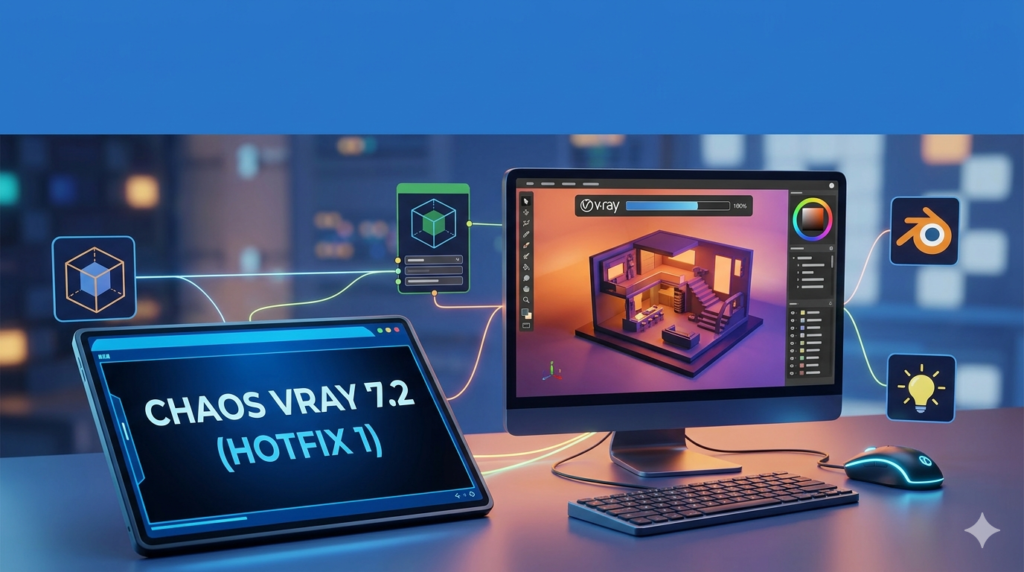

Download the V-Ray 7.2 for Blender (Hotfix 1) (Full Feature Guide & macOS Support) from this link…

Overview of the Software
Table of Contents
V-Ray 7.2 for Blender (Update 2 / Hotfix 1) is a significant release from Chaos, marking a major evolution in photorealistic rendering within the open-source 3D ecosystem. Unlike legacy plugins that required exporting scenes to a separate standalone application, V-Ray 7 integrates the renowned ray tracing engine directly into Blender’s viewport.
This update is particularly notable for expanding compatibility to macOS, introducing a new distributed rendering system (DR2), adding procedural fur tools, and offering experimental AI-driven enhancements. It targets professional 3D artists, architectural visualizers, and VFX creators who require production-grade rendering within Blender 4.2+.
Key Features
V-Ray 7.2 for Blender transforms the open-source 3D suite into a high-end rendering workstation. Below are the core functionalities:
-
Direct Viewport Integration: Interactive rendering runs live inside Blender’s 3D viewport, providing instant visual feedback without file exporting.
-
V-Ray Node Editor: Create, edit, and manage V-Ray materials, textures, and geometries using a workflow mirroring Blender’s native node editors.
-
Cycles Material Support: Initial support for converting and rendering materials from Blender’s native Cycles renderer, easing the transition for existing users.
-
V-Ray Fur System: Procedural hair and fur generation for realistic textiles, grass, and animal coats.
-
Chaos Cosmos Asset Library: Direct access to a vast library of 3D assets, HDRIs, and materials.
-
Experimental AI Tools: Access to AI Material Generator, AI Enhancer, and AI Upscaler (up to 16K resolution) via Chaos Cloud Collaboration.
What’s New in V-Ray 7.2 (Hotfix 1)
This update focuses on cross-platform accessibility and performance scaling. Key changes include:
-
Native macOS Support: The plugin is now available for macOS 11+ (Apple Silicon), expanding beyond its previous Windows-only limitation. Linux support is officially planned for a future release.
-
Distributed Rendering 2 (DR2): An upgraded system that improves performance scaling across multiple networked machines, reducing render times for complex frames.
-
Material Override System: Full compatibility with Blender’s material override feature, allowing users to quickly swap or replace shaders for test renders.
-
Three Experimental AI Tools:
-
AI Material Generator: Creates PBR textures from photographic reference images.
-
AI Enhancer: Adds synthetic detail to cloud-rendered images.
-
AI Upscaler: Upscales final renders to a maximum of 16K resolution.
-
System Requirements
Before installing, ensure your hardware and operating system meet Chaos’s specifications.
| Component | Minimum Requirement |
|---|---|
| Operating System | Windows 10+ or macOS 11+ (Linux – Planned) |
| Blender Version | 4.2 or newer (Official stable builds only) |
| CPU | x86-64 processor (Intel or AMD) / Apple M-series |
| GPU (NVIDIA) | NVIDIA Maxwell-gen or newer, 4GB+ VRAM |
| GPU (Apple) | Apple Silicon (M1/M2/M3/M4) |
| RAM | 8 GB (16 GB+ recommended for complex scenes) |
| Internet | Required for licensing, Cosmos assets, and AI tools |
Installation Guide
Follow these steps to legally install V-Ray 7.2 for Blender. Note: This software requires a paid subscription or trial license.
-
Purchase or Trial: Visit the official Chaos website to obtain a subscription ($33/month or $199/year) or start a free trial.
-
Download Installer: From the Chaos Download Center, select “V-Ray for Blender” version 7.2 (Hotfix 1) for your OS (Windows or macOS).
-
Run Installer: Close Blender. Run the installer with administrator privileges. The installer will automatically detect supported Blender versions.
-
License Activation: Launch Blender. In the preferences panel, navigate to Add-ons → V-Ray. Enter your Chaos license credentials or point to a local license server.
-
Verify Installation: The V-Ray toolbar should appear in the 3D viewport. Switch the render engine from “Cycles” to “V-Ray” to begin.
How to Use the Software
Getting started with V-Ray 7.2 in Blender follows a logical progression:
-
Scene Setup: Model your geometry and set up cameras as usual in Blender.
-
Assign Renderer: In the render properties tab, change the engine from Cycles to V-Ray.
-
Material Creation: Use the V-Ray Node Editor (Shift + F3) to build materials like glass, metal, or plastic. Leverage the Cosmos browser for pre-made PBR textures.
-
Lighting: Add V-Ray lights (Rectangular, Dome, Sphere, or Mesh) or use HDRI from the Cosmos library.
-
Add Fur (Optional): Select a mesh and apply the V-Ray Fur modifier to generate grass, carpet, or hair procedurally.
-
Render Output:
-
Interactive: Click “Start Interactive” in the viewport for real-time feedback.
-
Production: Adjust resolution and sampling limits in the output settings, then click “Render Image.”
-
-
Distributed Rendering: If using multiple machines, enable DR2 in the system settings and add slave node IP addresses.
Best Use Cases
V-Ray 7.2 for Blender excels in professional contexts where photorealism is non-negotiable:
-
Architectural Visualization (ArchViz): Creating lifelike interior and exterior renders with accurate lighting, glass shaders, and complex material layering.
-
Product Design & Advertising: Rendering high-resolution (up to 16K with AI Upscaler) product shots with precise reflections and subsurface scattering.
-
VFX and Film Pre-visualization: Integrating CGI elements into live-action footage using V-Ray’s camera mapping and ray-traced shadows.
-
Automotive Rendering: Utilizing V-Ray Fur for fabric interiors and metallic car paint shaders with flake effects.
Advantages and Limitations
Advantages
-
Production-Proven Engine: Used in major film and architecture studios; guarantees predictable, high-quality output.
-
Native Workflow: No scene export or file conversion; materials and geometry update instantly.
-
Cross-Platform: Finally available on macOS for M-series chips.
-
Asset Library: Chaos Cosmos provides thousands of ready-to-use models.
Limitations
-
No Permanent License: Subscription-only model ($33/month or $199/year) – no perpetual option.
-
Missing Linux Support: As of this writing, Linux users cannot install the native plugin.
-
Experimental AI Tools: AI features require an internet connection and are still labeled experimental; results may vary.
-
Learning Curve: Users accustomed to Cycles may need time to learn V-Ray’s material logic and light sampling.
Alternatives to the Software
If V-Ray 7.2 for Blender does not fit your budget or workflow, consider these legitimate alternatives:
| Software | Primary Strength | Blender Integration | Pricing Model |
|---|---|---|---|
| Cycles | Built-in, GPU-accelerated, open-source | Native (no install needed) | Free (GPL) |
| LuxCoreRender | Physically correct, unbiased rendering | Dedicated add-on | Free (Apache 2.0) |
| OctaneRender | Speed and spectral rendering | Official Blender plugin | Subscription ($23.95+/month) |
| Radeon ProRender | AMD GPU optimization | Native add-on | Free |
Frequently Asked Questions (FAQ)
Q1: Is V-Ray 7.2 for Blender free?
No. It is a commercial product requiring a subscription. However, Chaos typically offers a 30-day free trial for new users.
Q2: Can I use V-Ray 7.2 on Linux?
Not yet. Chaos has officially announced Linux support is planned, but no specific release date has been provided for this version.
Q3: Does V-Ray 7.2 support Apple M1/M2/M3 GPUs?
Yes. This update (Hotfix 1) adds native support for macOS and Apple Silicon GPUs for hardware-accelerated rendering.
Q4: What is the difference between the legacy plugin and V-Ray 7 for Blender?
The legacy plugin exported scenes to V-Ray Standalone. V-Ray 7 integrates directly inside Blender, allowing interactive viewport rendering and native node editing.
Q5: Are the AI tools (Material Generator, Upscaler) free with the subscription?
Yes, they are included as experimental online services for active V-Ray subscription holders via Chaos Cloud Collaboration.
Q6: Can I render animations with distributed rendering (DR2)?
Yes. DR2 is designed for both still images and animation sequences, scaling performance across multiple workstations.
Q7: Does V-Ray 7.2 override my existing Cycles materials?
No. It provides “initial support” to render Cycles materials, but for full control, you should convert or rebuild materials using the V-Ray Node Editor.
Final Thoughts
V-Ray 7.2 (Hotfix 1) for Blender represents a mature, professional rendering solution that bridges the gap between open-source flexibility and commercial-grade reliability. The addition of macOS support removes a major barrier for Apple-based artists, while the new distributed rendering system and experimental AI tools address the needs of high-performance studios.
Although the subscription cost and lack of a Linux version may deter some users, the deep integration, Chaos Cosmos library, and production-proven output make it a compelling upgrade for architectural visualizers and VFX professionals. For teams already using V-Ray in 3ds Max or Maya, this plugin offers a seamless path to adopting Blender into their pipeline.
Premium Software Support Service
If you need professional help with software installation, setup, or technical configuration, our team is available to assist you.
Contact & Support
For quick assistance and latest updates, connect with us using the links below:
🔹 Direct Telegram Support
https://t.me/PlayoutKing
🔹 Official Telegram Updates Group
https://t.me/yourgroup
Service Policy
- Remote testing available through AnyDesk before confirmation.
• Verify the setup and performance before completing the order.
• Support available for single or multiple systems.
• Step-by-step guidance to ensure smooth installation and working environment.
Our goal is to provide reliable technical assistance so your software runs smoothly without interruptions.