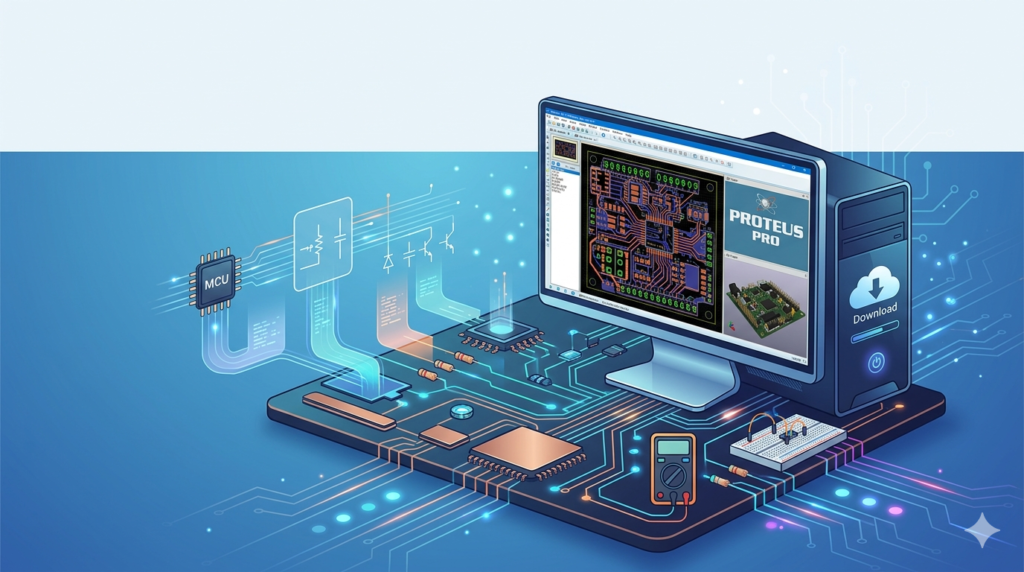


Download the Proteus Pro V9.1 SP2 Build 42460 (Complete Guide to PCB Design & Circuit Simulation) from this link…

Overview of the Software
Table of Contents
Proteus Pro functions as a virtual electronics laboratory. It allows electrical engineers, embedded developers, and students to design analog/digital circuits and test microcontroller code without physical hardware.
The platform combines three core modules:
-
ISIS (Intelligent Schematic Input System): For drawing circuit diagrams.
-
ARES (Advanced Routing and Editing Software): For PCB layout and autorouting.
-
VSM (Virtual System Modeling): For simulating firmware (C/Assembly) on popular microcontrollers.
This integration bridges the gap between software development and hardware design, enabling users to validate a complete embedded system—from power regulators to display drivers—before manufacturing a single PCB.
Key Features of Proteus Professional
The software stands out due to its hybrid simulation capabilities. Below are the primary functional pillars:
-
Real-Time Microcontroller Simulation: Supports Microchip, Atmel, STM32, NXP, ARM Cortex, and Arduino platforms. Engineers can load HEX or ELF files directly into the schematic.
-
Interactive Peripheral Library: Includes animated models for LEDs, LCDs, motors, matrix keypads, and virtual instruments (oscilloscopes, logic analyzers, signal generators).
-
Mixed-Mode SPICE Simulation: Simulates analog components (op-amps, transistors) alongside digital logic gates simultaneously.
-
PCB Autorouter with Design Rule Checking (DRC): Automatically routes multilayer boards and checks for clearance, copper pour, and thermal relief violations.
-
3D Visualisation: Exports STEP files and offers realistic board rendering for mechanical integration.
What’s New in Version 9.1 SP2 Build 42460
This specific service pack focuses on stability and extended device support. Key technical enhancements include:
-
Updated Microcontroller Libraries: Added support for newer PIC18F Q-series and STM32G0 families.
-
Improved Simulation Engine: Faster convergence for non-linear analog circuits (e.g., switching regulators).
-
Enhanced Gerber Export: Better aperture definition for solder mask layers, reducing fabrication errors.
-
Bug Fixes: Resolved memory leaks when simulating high-frequency I2C communication.
System Requirements for Optimal Performance
To ensure smooth operation of Proteus Pro V9.1 SP2, your workstation should meet these specifications:
| Component | Minimum | Recommended |
|---|---|---|
| OS | Windows 10 (64-bit) | Windows 11 Pro (64-bit) |
| Processor | Intel Core i3 or AMD Ryzen 3 | Intel Core i7 / AMD Ryzen 7 |
| RAM | 8 GB | 16 GB (for multilayer + firmware) |
| Storage | 5 GB free (SSD) | 10 GB NVMe SSD |
| Graphics | DirectX 11 compatible | Dedicated GPU (for 3D rendering) |
| Display | 1366 x 768 | 1920 x 1080 or higher (dual monitors) |
Installation Guide (Official Method)
Installing the software from a legitimate distribution source is straightforward. Follow these steps for a clean setup:
-
Download the Installer: Obtain the official
.exepackage from the developer’s portal or an authorized distributor. -
Run as Administrator: Right-click the installer and select Run as administrator to prevent registry write errors.
-
Select Components: Choose Full Installation to include ISIS, ARES, VSM models, and example projects.
-
Configure Libraries: Allow the installer to index the component database (this may take 2–3 minutes).
-
License Activation: After installation, launch the License Manager to input your purchased license key or activate a trial.
Note: The software requires an active internet connection only for initial activation and library updates.
How to Use the Software for a Basic Project
To understand the workflow, follow this typical design cycle for an Arduino-based temperature sensor:
-
Schematic Capture (ISIS):
-
Select components (Arduino UNO, LM35 sensor, 16×2 LCD) from the library picker.
-
Place parts on the sheet and wire them using the Auto-Wire tool.
-
-
Firmware Integration:
-
Double-click the microcontroller model.
-
Browse to your compiled
.HEXfile (from Arduino IDE or MPLAB).
-
-
Simulation (VSM):
-
Press the Play button. The virtual LCD will display temperature values.
-
Use the Debug menu to set breakpoints and inspect register values.
-
-
PCB Layout (ARES):
-
Switch to ARES mode. The software automatically imports the netlist.
-
Arrange components on the board outline.
-
Run the Autorouter or manually route critical traces (e.g., USB data lines).
-
Best Use Cases for Proteus Pro V9.1
Based on industry applications, this software excels in specific scenarios:
-
Academic Training: Universities use it to teach embedded systems because students can see voltage and current flow animated on schematics.
-
IoT Prototyping: Developers simulate WiFi modules (ESP8266) and sensor fusion before hardware assembly.
-
Automotive Electronics: Engineers test CAN bus interfaces and dashboard logic without bench setups.
-
Power Supply Design: The SPICE engine helps verify ripple and efficiency of buck/boost converters.
Advantages and Limitations
Understanding the trade-offs helps determine if this tool fits your workflow.
Advantages (Strengths):
-
Unified Workflow: No netlist exporting errors between schematic and layout.
-
Firmware Debugging: Step through C code while watching analog voltages change.
-
Cost Effective: Eliminates multiple PCB re-spins during firmware development.
Limitations (Weaknesses):
-
High-Speed Constraints: Less advanced than Altium or Cadence for differential pairs (e.g., HDMI, PCIe).
-
Library Depth: Some obscure components require manual SPICE model creation.
-
Windows Only: No native support for macOS or Linux (requires virtual machine).
Alternatives to the Software (Comparison)
If you are evaluating EDA tools, compare Proteus against these industry alternatives:
| Tool | Primary Strength | Simulation Focus | Best For |
|---|---|---|---|
| Proteus Pro | Microcontroller co-simulation | Firmware + Analog | Embedded engineers & students |
| Altium Designer | Enterprise PCB manufacturing | Signal integrity | Professional hardware teams |
| EAGLE (Autodesk) | Hobbyist to pro PCB layout | Basic SPICE | Makers & small businesses |
| LTspice | High-performance analog sim | Precision analog | Power/RF engineers |
| KiCad | Open-source, free PCB design | No native MCU sim | Budget-conscious designers |
For pure analog simulation, LTspice is faster. For firmware+hardware co-design, Proteus remains unique.
Frequently Asked Questions (FAQ)
1. Can I simulate Arduino sketches directly in Proteus?
Yes. You compile your .ino code to a .HEX file using the Arduino IDE and then load that file into the virtual Arduino model in ISIS. The VSM engine executes the code in real-time.
2. Does Proteus Pro support multi-layer PCB design?
Absolutely. The ARES layout module supports up to 16 copper layers, including internal power planes, blind vias, and microvias for high-density designs.
3. Is the software compatible with Windows 11?
Yes, Build 42460 is fully compatible with Windows 11 (64-bit). Ensure you install the latest chipset drivers for your motherboard to avoid USB licensing issues.
4. How do I export Gerber files for manufacturing?
Navigate to Output → Gerber Export. Select your required layers (Top Copper, Bottom Copper, Silk, Solder Mask). The software generates standard RS-274X files accepted by JLCPCB, PCBWay, and other fabricators.
5. Can I use this for professional commercial projects?
Yes. The Pro edition includes commercial licenses for unlimited PCB size and pin count. However, you must purchase a valid license from Labcenter Electronics for commercial distribution.
6. What is the difference between Proteus Pro and Proteus Lite?
Lite is a free, restricted version limited to small schematics (50 pins) and no PCB layout. Professional (Pro) unlocks unlimited pins, multilayer routing, and advanced simulation models.
7. Why won’t my simulation converge?
Convergence errors usually occur with unstable op-amp circuits. Try enabling GMIN Stepping in the SPICE options or adding a high-value resistor (1MΩ) from problematic nodes to ground.
Final Thoughts
Proteus Pro V9.1 SP2 Build 42460 remains a vital tool for anyone bridging software code and physical electronics. Its ability to simulate a microcontroller executing live code while interacting with analog sensors offers a distinct advantage over traditional EDA software.
For embedded developers, the time saved by debugging firmware in a virtual environment justifies the software’s professional cost. For educational institutions, the visual feedback loop accelerates student comprehension of complex circuits. While it may not replace enterprise-grade tools for GHz-speed digital design, it dominates the niche of firmware-driven hardware validation.
To maximize your ROI, always use legitimate licensing channels and combine the software with a physical oscilloscope only for final power validation.
Premium Software Support Service
If you need professional help with software installation, setup, or technical configuration, our team is available to assist you.
Contact & Support
For quick assistance and latest updates, connect with us using the links below:
🔹 Direct Telegram Support
https://t.me/PlayoutKing
🔹 Official Telegram Updates Group
https://t.me/yourgroup
Service Policy
- Remote testing available through AnyDesk before confirmation.
• Verify the setup and performance before completing the order.
• Support available for single or multiple systems.
• Step-by-step guidance to ensure smooth installation and working environment.
Our goal is to provide reliable technical assistance so your software runs smoothly without interruptions.