
Download Magic Studio AI (The Complete Guide to Features, Use Cases, and Benefits) from this link…

Overview of Magic Studio
Table of Contents
Magic Studio, developed by aarzoo, Inc. , is a comprehensive, AI-powered image editing and generation platform designed to democratize design for users of all skill levels. Accessible via the web and a dedicated Magic Studio app for Android, it functions as an all-in-one creative workflow for producing and modifying visuals. Whether you need to create images from text prompts, clean up product photos, or generate professional headshots, Magic Studio aims to make complex editing tasks accessible without formal design training .
The platform reports a substantial user base of roughly 20 million users and has processed over 150 million images, indicating strong market adoption. It caters to both casual users and professionals by offering a free tier alongside a paid PRO subscription, which unlocks advanced tools, higher resolutions, and an ad-free experience . For developers and businesses, Magic Studio also provides an API for automation and integration, supported by a comprehensive Helpdesk.
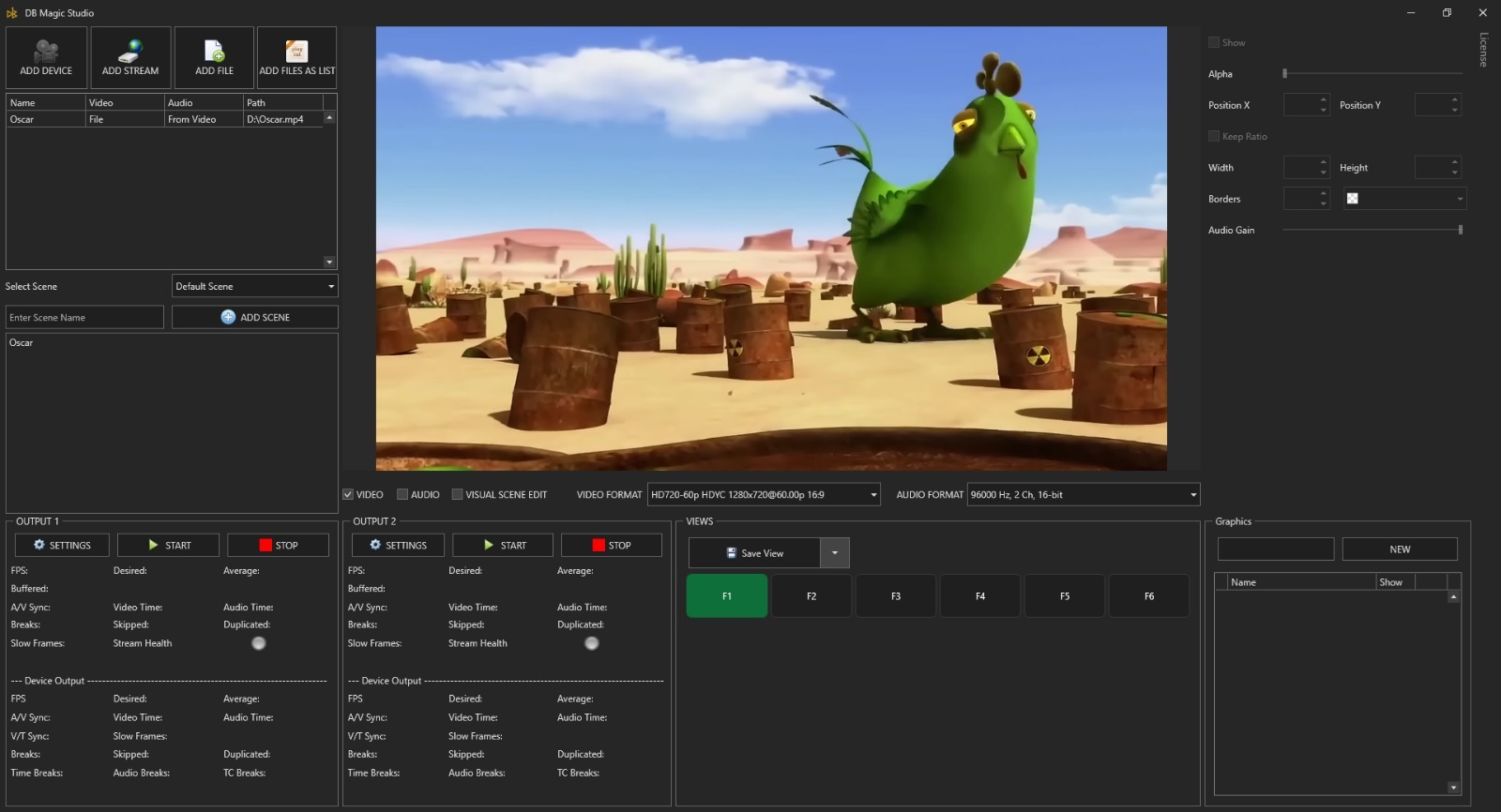
Screenshot
Key Features
Magic Studio bundles a powerful suite of AI tools into a single interface. Below is a breakdown of its core functionalities, designed to handle everything from basic retouching to advanced image generation.
Essential Editing Tools
-
Magic Eraser: This tool allows you to remove unwanted objects, people, text, or blemishes with a simple brush stroke. The AI intelligently analyzes the surrounding area and fills in the space seamlessly, making it ideal for cleaning up photobombs or distractions .
-
Background Remover: Instantly isolate subjects—whether people, products, pets, or cars—from their backgrounds. You can then keep a transparent background, replace it with a solid color, or place the subject into an entirely new scene .
-
Image Upscaler: Enhance image resolution and clarity, with the ability to upscale images up to 4K. This is crucial for printing or using low-resolution images in high-quality digital formats.
-
Background Blur: Add a professional depth-of-field effect to portraits or product shots, mimicking the look of a DSLR camera to make your subject stand out.
AI Generation and Creation Tools
-
AI Image Generator & AI Art Generator: Use text prompts to generate unique images from scratch. Whether you need conceptual art or specific visual assets, this tool turns your descriptions into reality .
-
Magic Draw: This innovative tool lets you “draw” by combining a text description with a brush stroke. You can sketch an area and tell the AI what you want to appear there (e.g., “add a red flower”), and it will generate the content to match the context of the image .
-
One-Click Scene Transformations: Change the setting, style, or lighting of an existing image instantly using AI-driven prompts.
File Format Converters
Magic Studio also includes practical utilities for everyday digital tasks, such as converting images from HEIC to JPG and WEBP to PNG, ensuring compatibility across different platforms and devices.
What’s New in the Latest Version
Based on the latest app store information, the Magic Studio development team is actively maintaining and improving the platform. Recent updates have focused on bug fixes and performance improvements to ensure a smoother user experience . Users can expect ongoing refinements to the AI models for faster processing times and more accurate results, particularly in the generative tools available to PRO subscribers.
System Requirements
Magic Studio is designed to be lightweight and accessible. Since it operates primarily as a cloud-based AI service, the heavy processing is handled on remote servers, meaning it does not require high-end computer hardware.
-
For Mobile (App): The Android app is available on the Google Play Store and is optimized for a wide range of devices. It requires a stable internet connection to function .
-
For Web (Desktop): Accessible via modern web browsers (Chrome, Firefox, Safari, Edge) on Windows, macOS, and Linux. A reliable internet connection is necessary for uploading images and receiving AI-generated results.
Installation Guide
Getting started with Magic Studio is straightforward:
-
Choose Your Platform: Decide whether to use the web version or download the mobile app.
-
For Mobile: Visit the Google Play Store, search for “Magic Studio – AI Photo Editor,” and download the app developed by aarzoo, Inc. .
-
For Web: Navigate to the official Magic Studio website.
-
Sign Up: Create a free account to start using the basic tools immediately. A subscription is required to access PRO features, though a free trial is often available for new users to test premium tools like Magic Draw and AI-generated backgrounds .
How to Use the Software
The platform is built for intuitive, AI-first editing.
Removing an Object with Magic Eraser
-
Upload your image to the editor.
-
Select the Magic Eraser tool.
-
Brush over the object, person, or text you wish to remove.
-
Click “Erase.” The AI will automatically process the image and fill the selected area with contextually appropriate background pixels .
Creating an Image with AI
-
Navigate to the “Create with AI” or AI Image Generator module .
-
In the text box, enter a descriptive prompt of the image you want to generate (e.g., “a serene mountain lake at sunset, digital art style”).
-
Select your preferred style or aspect ratio (features may vary by subscription tier).
-
Click “Generate.” The AI will produce your image in seconds.
Best Use Cases
Magic Studio serves a diverse range of users by streamlining specific workflows.
-
E-commerce Sellers: Create clean, consistent product photos by removing distracting backgrounds, erasing dust or imperfections, and placing items on uniform backgrounds. This helps improve the professional look of online stores .
-
Social Media Creators and Influencers: Quickly generate eye-catching visuals for posts and stories. Use Magic Draw to add trendy elements or the Background Remover to create engaging profile pictures and thumbnails .
-
Marketing Teams: Produce promotional imagery and ad creatives rapidly. Test different backgrounds and styles for campaign assets without needing a full photoshoot or complex Photoshop skills.
-
Real Estate Agents: Enhance property listings by virtually staging rooms, removing personal items from photos, or upscaling images to ensure they look sharp on high-resolution displays .
-
Photographers: Use the tool for quick retouching, upscaling images for print, and efficiently batch-processing background removal for client galleries.
-
Individuals: Improve personal photos, create profile pictures, or use the AI headshot generator to create a professional portrait from a standard selfie .
Advantages and Limitations
Advantages
-
User-Friendly Interface: The platform is designed to be intuitive enough for beginners (“your grandma can use it”) while remaining powerful for professionals .
-
Comprehensive Toolset: It combines generators, erasers, background tools, and converters in one place, eliminating the need for multiple software subscriptions.
-
Fast and AI-Powered: Tasks that would take minutes in traditional software are completed in seconds.
-
Cross-Platform Accessibility: Seamlessly work on the web or mobile app, with the PRO subscription covering both .
-
Massive User Base: With millions of users and images processed, the AI models are likely well-trained and reliable.
Limitations
-
Subscription Cost for PRO Features: Core advanced tools like Magic Draw and AI-generated backgrounds are locked behind a paywall, which may be a barrier for casual users .
-
AI Reliability: As with all generative AI, results can be inconsistent. User reviews note that prompts do not always generate the expected output (e.g., generating the wrong cathedral or style) .
-
Internet Dependency: As a cloud-based tool, it cannot function without an active internet connection.
-
Customer Support Concerns: Some user reviews mention difficulties with account issues and subscription disputes, specifically regarding email responses . Potential users should review the official Terms of Service and Privacy Policy carefully .
Alternatives to Magic Studio
Depending on your specific needs, other tools in the AI image editing space include:
-
Canva: Offers a wide range of design tools and integrated AI features (Magic Studio alternatives) for social media graphics, presentations, and more. It is excellent for template-based design.
-
Adobe Photoshop with Generative Fill: The industry standard for professional design, now incorporating powerful AI tools for advanced compositing and editing.
-
Remove.bg: A specialized tool singularly focused on high-speed background removal.
-
Midjourney / DALL-E 3: Leading AI image generators focused purely on creating images from text prompts, though they lack the editing tools (eraser, upscaler) that Magic Studio provides.
Frequently Asked Questions
Is Magic Studio free to use?
Yes, Magic Studio offers a free tier that provides access to basic tools. However, premium features like AI Image Generation, Magic Draw, AI-generated backgrounds, high-resolution downloads (up to 4K), and an ad-free experience require a PRO subscription. A free trial for these PRO tools is often available .
How do I cancel my Magic Studio PRO subscription?
Subscription management is typically handled through the platform where you originally signed up (e.g., Google Play Store for the Android app or the Magic Studio website). Users are advised to cancel before the trial period ends to avoid charges. If you encounter issues, you should contact the developer directly at [email protected] .
What is the Magic Draw feature?
Magic Draw is a PRO feature that allows you to add new elements to an image by drawing a rough shape and describing what you want with text. The AI then generates the object within that shape, blending it seamlessly with the original photo .
Who is the developer of Magic Studio?
Magic Studio is developed by aarzoo, Inc. , a company based in Claymont, Delaware, United States .
Is my data safe with Magic Studio?
According to the app’s data safety information, data is encrypted in transit. The app may collect and share data types such as device IDs and app performance information. For full details, it is recommended to review the official privacy policy on the Magic Studio website .
Can I use Magic Studio for commercial purposes?
Yes, Magic Studio is designed for commercial use cases such as e-commerce product photos, marketing materials, and real estate listings. The platform’s Helpdesk provides guidance on commercial usage and file formats .
Final Thoughts
Magic Studio by aarzoo, Inc. successfully delivers on its promise of making powerful image editing accessible to everyone. Its extensive suite of AI tools—from the practical Magic Eraser and Background Remover to the creative AI Image Generator and Magic Draw—positions it as a versatile contender in the visual content space. With a strong user base and cross-platform availability, it is a legitimate and valuable tool for anyone looking to streamline their creative workflow.
While the PRO subscription is necessary to unlock the platform’s full potential, the value lies in consolidating dozens of expensive, complex tools into one easy-to-use interface. However, potential subscribers should be mindful of the subscription terms and ensure they understand the cancellation process, as noted in user feedback. For individuals and businesses seeking to create professional-quality images quickly and without a steep learning curve, Magic Studio is a powerful solution worth exploring.
Premium Software Support Service
If you need professional help with software installation, setup, or technical configuration, our team is available to assist you.
Contact & Support
For quick assistance and latest updates, connect with us using the links below:
🔹 Direct Telegram Support
https://t.me/PlayoutKing
🔹 Official Telegram Updates Group
https://t.me/yourgroup
Service Policy
- Remote testing available through AnyDesk before confirmation.
• Verify the setup and performance before completing the order.
• Support available for single or multiple systems.
• Step-by-step guidance to ensure smooth installation and working environment.
Our goal is to provide reliable technical assistance so your software runs smoothly without interruptions.