
Download the CData Platform Review (Enterprise Data Connectivity & AI Integration) from this link…

Overview of the CData Platform
Table of Contents
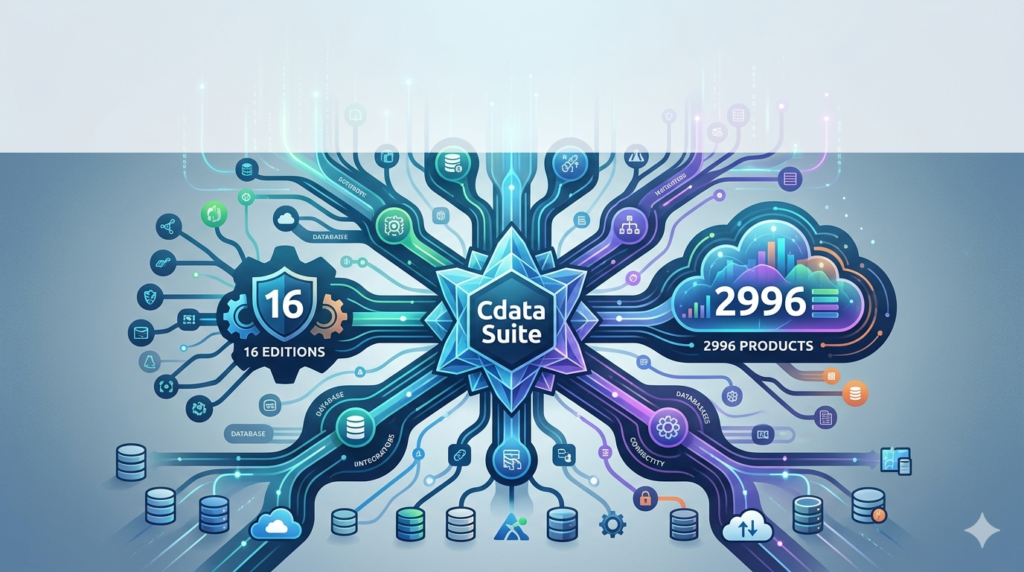
The CData Platform solves a core enterprise challenge: connecting diverse, siloed data sources to modern AI and analytics tools without compromising security or performance. Unlike traditional ETL (Extract, Transform, Load) processes that copy data into central warehouses, CData provides live data access directly from source systems—whether on-premises, cloud-based, or hybrid.
Key capabilities include bidirectional reads and writes, inherited source authentication, row- and column-level security, and native support for business logic. The platform is SOC 2 Type II, ISO 27001, and GDPR compliant, making it suitable for regulated industries like finance, healthcare, and government.
CData operates as a unified semantic layer, preserving data definitions, relationships, and metrics across all connected tools. This ensures that AI models, dashboards, and applications all work with the same governed, current data.
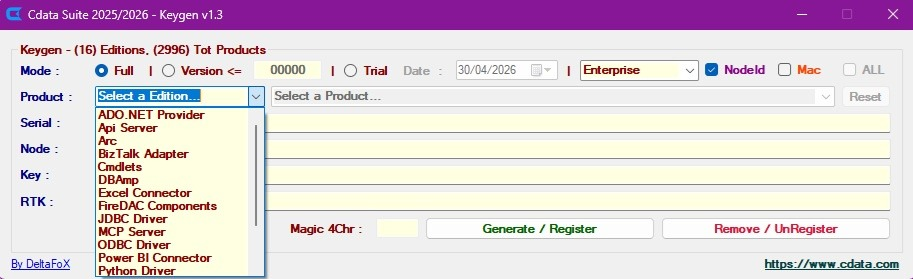
Screenshot
Key Features
-
Live connectivity to 350+ systems – Databases (SQL Server, Oracle, PostgreSQL), SaaS apps (Salesforce, Dynamics 365), cloud warehouses (Snowflake, BigQuery), and big data sources (Hadoop, Spark).
-
Bidirectional data access – Read from and write back to source systems in real time.
-
Source-safe performance at scale – Query optimization and connection pooling protect production systems from overload.
-
MCP support for AI tools – Connect AI agents (Microsoft Copilot, Claude, Databricks Agent Bricks) directly to enterprise data using the Model Context Protocol.
-
Full data context for AI reasoning – Preserves definitions, relationships, and native business logic so AI understands terms like “active customer” or “net revenue.”
-
Inherited authentication & fine-grained controls – Respects existing database or SaaS credentials with row- and column-level security.
-
Centralized policy management – Govern access consistently across all users, tools, and connections.
What’s New in the Latest Version
Recent CData Platform updates focus on AI readiness and enhanced governance:
-
Native MCP (Model Context Protocol) support – Enables AI agents to query enterprise data directly with full security context.
-
Expanded Microsoft Copilot integration – Copilot can now retrieve live CRM, ERP, and database data via CData.
-
Enhanced row-level security (RLS) propagation – Source-native RLS now automatically applies to AI and analytics queries.
-
Improved performance for cloud SaaS sources – Optimized pagination and rate-limit handling for Salesforce, Marketo, and Zoho.
-
New monitoring dashboard – Real-time visibility into query performance, source system load, and user access patterns.
System Requirements
| Component | Requirement |
|---|---|
| Operating Systems | Windows Server 2019+, Linux (Ubuntu 20.04+, RHEL 8+), macOS 12+ (development only) |
| Memory | Minimum 8 GB RAM (16 GB+ recommended for production) |
| CPU | 4 cores minimum (8+ for high throughput) |
| Storage | 10 GB free (plus cache/log space) |
| Network | Outbound HTTPS access to data sources; inbound for CData drivers |
| Supported Data Sources | 350+ including SQL Server, Oracle, MySQL, PostgreSQL, Salesforce, SAP, Dynamics 365, Snowflake, Google BigQuery, Databricks |
| Authentication | OAuth 2.0, SAML, LDAP, Kerberos, API keys, username/password |
Installation Guide
Step 1: Choose Your Deployment Model
CData offers:
-
Cloud-hosted (CData Cloud) – Fully managed, no infrastructure setup.
-
On-premises (CData Gateway) – Docker or native install behind your firewall.
-
Hybrid – Cloud management with on-prem data access.
Step 2: Install the CData Gateway (On-Prem Example)
# Docker deployment
docker pull cdata/gateway:latest
docker run -d -p 8080:8080 -v cdata_data:/var/lib/cdata cdata/gateway
Or use the Windows installer:
-
Download from CData customer portal.
-
Run
CDataGatewaySetup.exeas administrator. -
Follow wizard to set admin credentials and ports.
Step 3: Add Data Sources
-
Log into the CData Admin Console (port 8080 by default).
-
Click Add Source → select your database or SaaS app.
-
Enter connection string (e.g.,
Server=myServer;Database=Sales;UID=user;PWD=pass). -
Test connection → save.
Step 4: Configure Access Policies
-
Define user roles (Admin, Analyst, ReadOnly).
-
Apply row-level filters (e.g.,
Region = 'EMEA'). -
Set query timeouts and rate limits.
Step 5: Connect Your Tools
-
Use CData ODBC, JDBC, or OData endpoints.
-
For AI tools: Enable MCP endpoint under AI Integrations.
How to Use the Software
For Analytics & BI
-
Connect Power BI or Tableau to CData’s OData endpoint.
-
Build reports on live Salesforce or SAP data without replication.
-
Refresh dashboards in real time.
For AI & Copilot Integration
-
In CData Admin Console, enable MCP Server.
-
Configure which data sources Copilot or Claude can access.
-
Provide the MCP endpoint URL to your AI orchestration layer.
-
AI now retrieves live, governed data with full context.
For Custom Applications (Python Example)
import pyodbc

conn = pyodbc.connect('DSN=CData Salesforce Source')
cursor = conn.cursor()
cursor.execute("SELECT Id, Name, AnnualRevenue FROM Account WHERE AnnualRevenue > 1000000")
For Data Migration or Synchronization
Use CData Sync (included in Platform) to schedule batch replication:
-
Source → Destination (e.g., Salesforce → Snowflake).
-
Incremental updates based on timestamps or watermarks.
-
Change data capture (CDC) for supported sources.
Best Use Cases
| Use Case | Why CData Excels |
|---|---|
| AI agents needing live operational data | MCP support + inherited security prevents data leaks. |
| Real-time dashboards across siloed systems | Live query unifies CRM, ERP, and database data. |
| Secure data access for external partners | Row/column controls + no data movement. |
| Migrating from legacy ETL to logical data fabric | Eliminates replication costs and latency. |
| GDPR/SOC 2 compliance with governed access | Centralized policies and full audit trails. |
| Bidirectional sync between cloud apps | Write back from analytics to source systems. |
Advantages and Limitations
Advantages
-
No data replication – Reduces storage costs, latency, and compliance risk.
-
Enterprise-grade security – Inherits source authentication, row/column controls.
-
AI-native – First-mover with MCP support for Copilot, Claude, Databricks.
-
Broad connectivity – 350+ drivers maintained by CData.
-
Bidirectional – Many connectors support write-back and update operations.
Limitations
-
Complex initial setup – Requires understanding of source system permissions and network topology.
-
Cost scales with usage – Not a budget option for small teams or low-volume use.
-
Write performance – Bulk writes slower than native ETL due to live transaction overhead.
-
Not a data warehouse – Designed for access, not heavy analytics or history storage.
Alternatives to the CData Platform
| Alternative | Key Difference | Best For |
|---|---|---|
| Apache Kafka + Debezium | Open source CDC; no built-in security layer | Teams with Kafka expertise and custom pipelines |
| Denodo | Strong semantic layer; higher cost | Large enterprises needing virtual data catalog |
| Dremio | Focused on data lake analytics; fewer SaaS connectors | Data lakehouse architectures |
| Starburst (Trino) | Fast distributed SQL; limited write-back | Big data federated queries |
| Microsoft Fabric (Data Factory) | Tighter with Power BI/Azure; less source variety | Azure-native organizations |
CData differentiates via bidirectional SaaS connectivity and MCP-based AI integration, which most alternatives lack.
Frequently Asked Questions
1. Is CData a data warehouse or an ETL tool?
No. CData is a data connectivity and integration platform that provides live access to source systems. It can replicate data (ETL), but its primary value is real-time query without movement.
2. Does CData support real-time write-back to Salesforce and other SaaS apps?
Yes. Many CData drivers support INSERT, UPDATE, DELETE operations, including Salesforce, Dynamics 365, Zoho, and NetSuite.
3. Can I use CData with Microsoft Copilot today?
Yes. CData provides native MCP support that connects Copilot to enterprise databases and SaaS apps. Contact CData for the MCP endpoint configuration guide.
4. Is CData compliant with SOC 2 and GDPR?
Yes. CData Platform is SOC 2 Type II certified and ISO 27001 compliant. It provides GDPR tools for data subject access requests and audit logging.
5. How does CData handle row-level security from the source system?
CData inherits source-native RLS. For example, if a user in SQL Server can only see California customers, CData enforces the same rule when that user queries via ODBC or MCP.
6. What is MCP and why does it matter for AI?
MCP (Model Context Protocol) is a standard for AI agents to query live data sources. CData’s MCP support allows AI tools to retrieve governed, current data without custom coding.
7. Can I try CData for free?
Yes. CData offers a 30-day free trial of the full Platform, including all connectors and MCP features.
Final Thoughts
The CData Platform stands out as an enterprise-grade solution for organizations that need live, secure, bidirectional data access across hundreds of sources—especially those adopting AI agents like Microsoft Copilot and Anthropic Claude. Its MCP support, inherited security, and source-safe performance make it a strong choice for regulated industries and large-scale analytics.
While not the cheapest or simplest tool, CData delivers where accuracy, governance, and real-time access are non-negotiable. For teams tired of fragile ETL pipelines or delayed data warehouses, the CData Platform provides a future-proof data layer.
Premium Software Support Service
If you need professional help with software installation, setup, or technical configuration, our team is available to assist you.
Contact & Support
For quick assistance and latest updates, connect with us using the links below:
🔹 Direct Telegram Support
https://t.me/PlayoutKing
🔹 Official Telegram Updates Group
https://t.me/yourgroup
Service Policy
- Remote testing available through AnyDesk before confirmation.
• Verify the setup and performance before completing the order.
• Support available for single or multiple systems.
• Step-by-step guidance to ensure smooth installation and working environment.
Our goal is to provide reliable technical assistance so your software runs smoothly without interruptions.