
by admin · February 28, 2026
Download the 3D GER Analyzer V1.0: Advanced 3D Ground Imaging & Analysis Software from this link…

Overview of the 3D GER Analyzer
Table of Contents
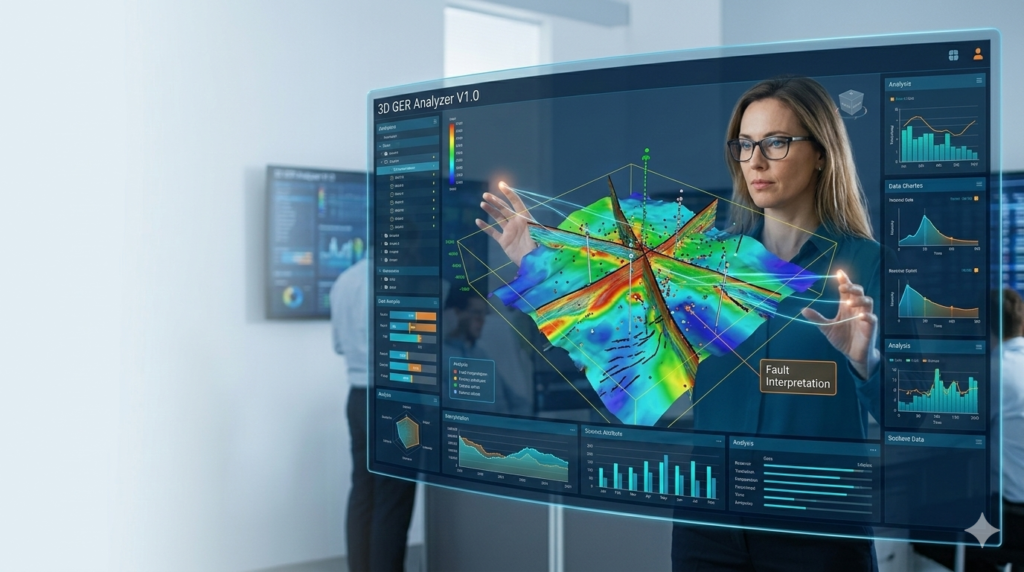
The 3D GER Analyzer V1.0 is a specialized software application designed for the visualization and analysis of subsurface data. Primarily used in conjunction with compatible ground exploration hardware, this tool transforms raw geophysical data into intuitive, three-dimensional models. By converting complex readings into a visual format, the 3D GER Analyzer allows professionals to interpret underground features such as mineral deposits, metal objects, cavities, and soil compositions with unprecedented clarity. Instead of relying on abstract charts, users can explore a digital twin of the subsurface, making it an essential piece of software for modern geophysical surveys and site assessments.
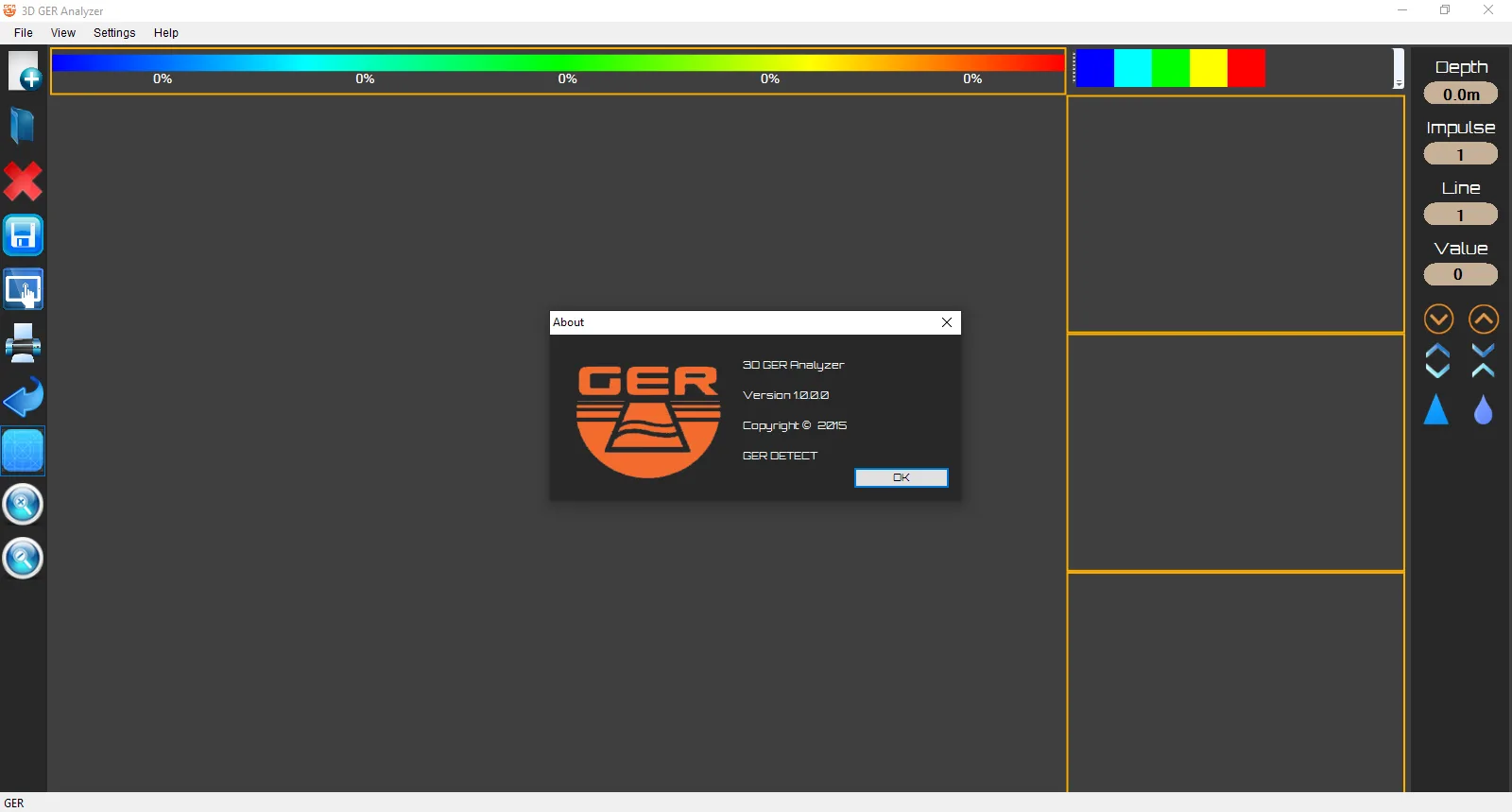
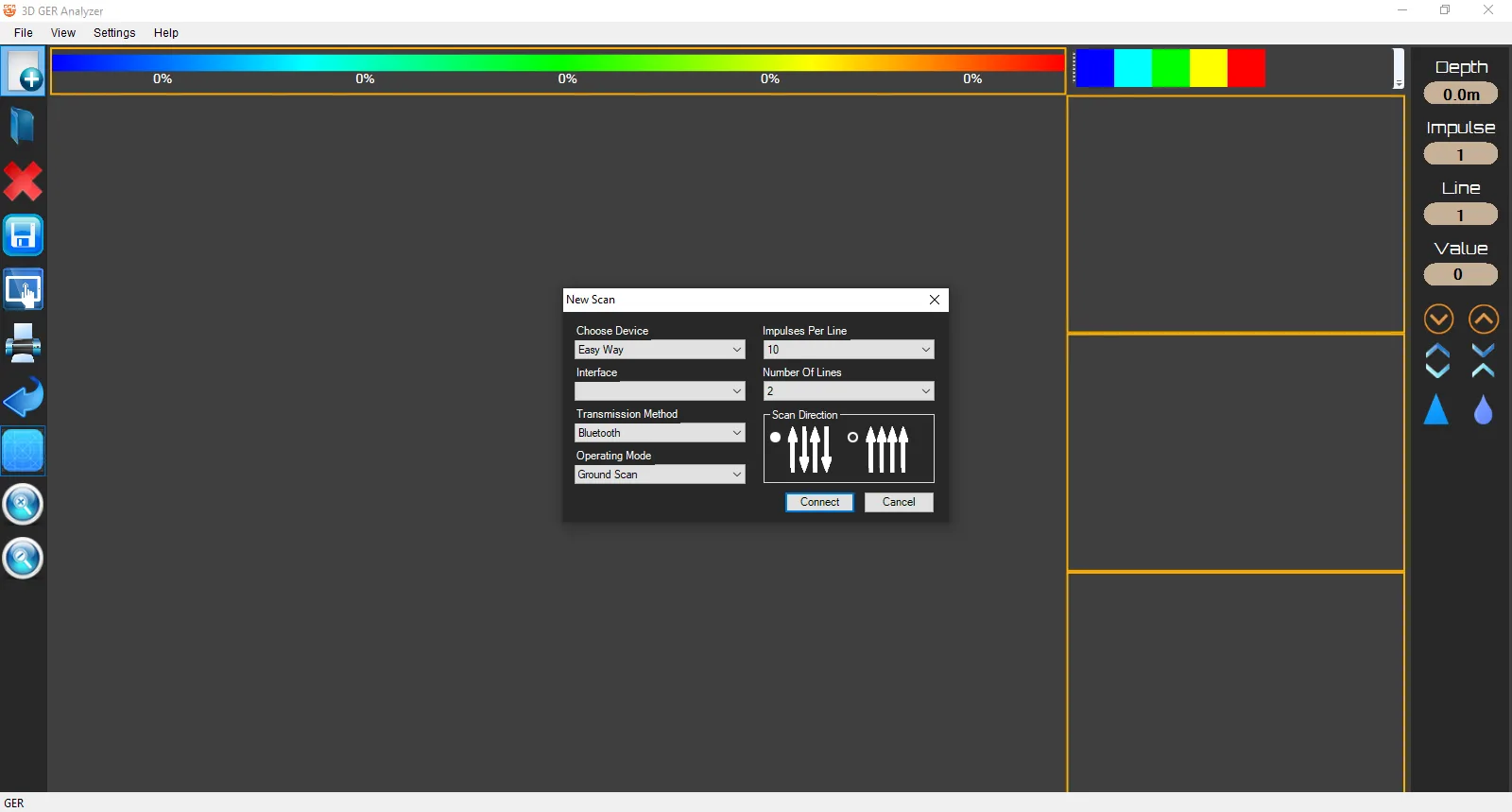
Screenshots
Key Features of 3D GER Analyzer V1.0
This software distinguishes itself through a combination of powerful visualization techniques and robust data handling capabilities. Below are its core functionalities.
3D Subsurface Visualization
The hallmark feature of the 3D GER Analyzer is its ability to render scan data in a three-dimensional space. It constructs a visual grid where colors and elevations correspond to different material properties and signal strengths. This allows for immediate visual identification of anomalies. For instance, a sharp, localized color change might indicate a buried metal object, while a broad, diffuse pattern could suggest a mineralized zone.
Advanced Signal Processing Engine
The software is equipped with algorithms to process raw signal data effectively. It can filter out electronic noise, interpolate data points to create smooth surfaces, and perform regression analysis to estimate the depth and density of detected objects. This ensures that the 3D models are not just visually appealing but are also accurate representations of the scanned area, based on the underlying scientific data.
Real-Time 3D Model Interaction
Static images are a thing of the past. The 3D GER Analyzer V1.0 provides an interactive environment where users can manipulate the generated 3D model. By rotating, zooming, and panning through the scan results, professionals can examine specific areas of interest from any angle. This interactive exploration is crucial for pinpointing the exact location and shape of subsurface features.
Bluetooth Device Integration
Designed for fieldwork efficiency, the software connects seamlessly with the 3D GER Analyzer hardware unit via a standard Bluetooth connection. This wireless integration simplifies the data transfer process, allowing users to initiate scans directly from their tablet or laptop on-site and immediately view the results without needing to physically connect cables.
What’s New in the Latest Version
While V1.0 marks the foundational release, it introduces a modernized approach to ground analysis compared to older, more cumbersome systems. Key highlights of this version include:
-
Streamlined Bluetooth Pairing: A simplified connection wizard for faster setup with tablets and Windows-based devices.
-
Enhanced Color Mapping: Improved color palettes that provide clearer differentiation between material types like ferrous metals, non-ferrous metals, and various soil densities.
-
Optimized for Mobile Hardware: The software is lightweight and optimized to run on Windows tablets, making it practical for extended field use.
System Requirements
To ensure smooth operation of the 3D GER Analyzer V1.0, your system should meet the following specifications:
-
Operating System: Windows 10 (64-bit) or Windows 11
-
Processor: Intel Core i3 or equivalent (i5 recommended for large datasets)
-
RAM: 4 GB minimum (8 GB recommended)
-
Storage: 500 MB of available space
-
Connectivity: Bluetooth adapter (for hardware communication)
-
Display: Minimum resolution of 1280 x 768
Installation Guide
Getting started with the 3D GER Analyzer V1.0 is a straightforward process. Follow these steps to install the software on your Windows device.
-
Obtain the Software: Acquire the official software package from the authorized dealer or the provided installation media.
-
Run the Installer: Locate the
Setup.exefile, right-click on it, and select “Run as administrator” to ensure proper installation permissions. -
Follow the Wizard: The installation wizard will guide you through the process. Accept the license agreement and choose your preferred installation directory (the default is usually recommended).
-
Complete Installation: Click “Install” and wait for the process to finish. Once done, launch the software from the desktop shortcut or Start Menu.
How to Use the 3D GER Analyzer
Using the software involves connecting to your hardware and interpreting the generated data. Here is a step-by-step guide to performing a basic scan.
Connecting Your Device via Bluetooth
-
Power On: Ensure your 3D GER Analyzer hardware unit is powered on.
-
Enable Bluetooth: On your Windows tablet or PC, go to Settings > Devices > Bluetooth & other devices, and turn Bluetooth on.
-
Pair the Device: Select “Add Bluetooth or other device.” The software will search for nearby devices. Select your “3D GER Analyzer” unit from the list to pair it.
-
Select COM Port: Once paired, open the 3D GER Analyzer software. Go to the ‘Settings’ or ‘Connection’ menu and select the correct COM port assigned to the paired Bluetooth device.
Performing a Scan and Interpreting Results
-
Configure Scan: In the software, navigate to the scan control panel. Select the paired Bluetooth device, then define the scan area by setting the number of lines and points per line.
-
Initiate Scan: Click the “Start Scan” button. The software will begin receiving data from the hardware in real-time.
-
Analyze the 3D Grid: Once the scan is complete, a 3D color grid will populate. Use the following guidelines for interpretation:
-
Sharp Signal Changes: A sudden spike or drop in value between adjacent points often suggests a distinct object like a metal pipe or a cavity.
-
Gradual Changes: A slow, continuous gradient in values across the grid typically indicates a broader geological feature, such as a zone of mineralized soil or a change in ground composition.
-
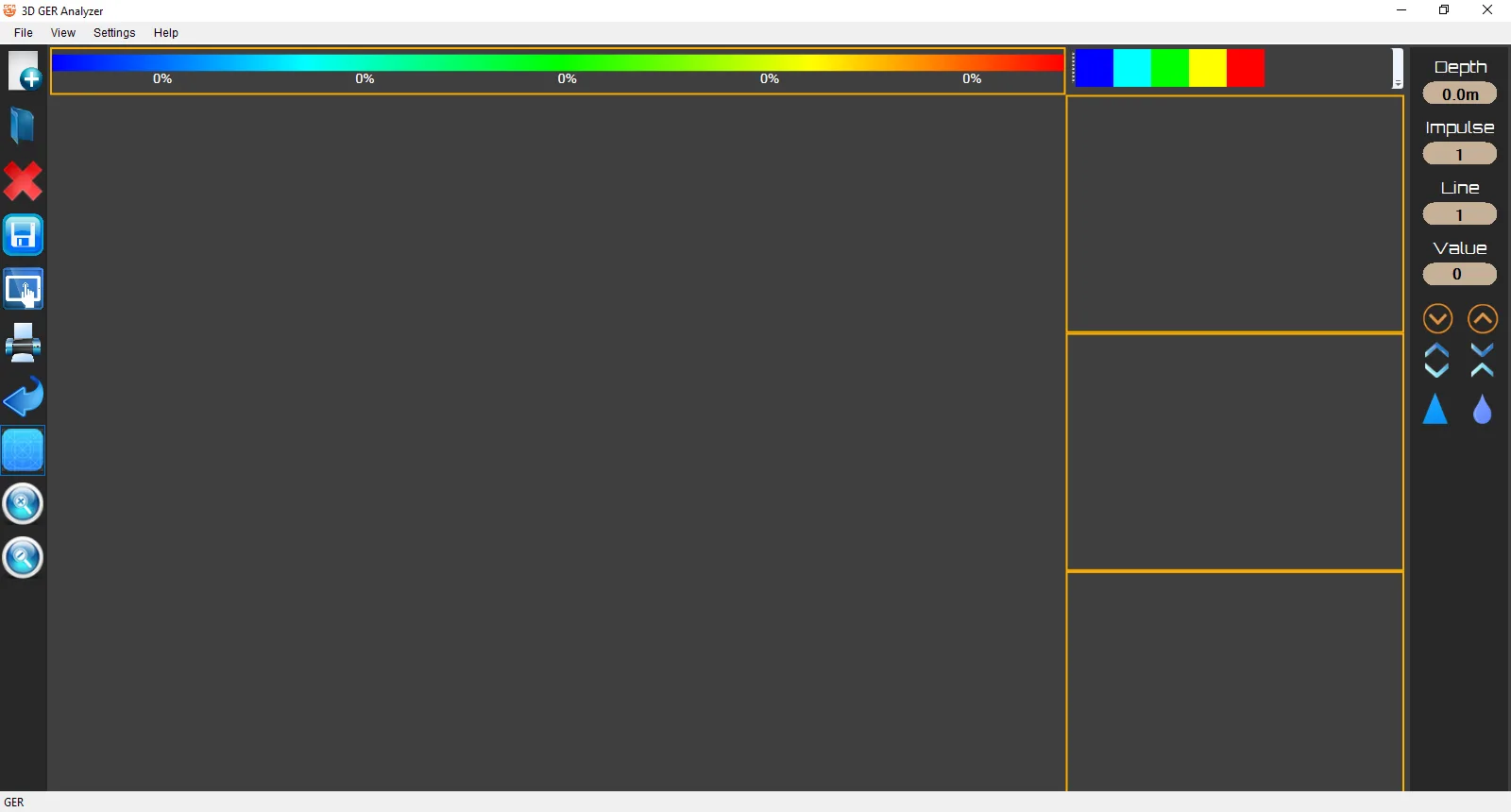
Color Coding: Refer to the software’s legend to understand what each color represents (e.g., red for high-density metals, blue for voids/cavities).
-
Best Use Cases
The 3D GER Analyzer V1.0 is a versatile tool used by professionals across several industries.
-
Geophysical Surveys: Geologists use it for preliminary mineral exploration, mapping subsurface structures before committing to more invasive drilling.
-
Archaeological Prospection: Archaeologists can utilize the tool to non-invasively locate potential dig sites by identifying buried structures, walls, or artifacts.
-
Utility and Construction: Before breaking ground, construction teams can scan an area to locate underground utilities, pipes, or old foundations, preventing costly delays and hazards.
-
Environmental Site Assessment: Environmental scientists can monitor subsurface contamination plumes or track changes in groundwater levels over time.
Advantages and Limitations
Understanding both the strengths and weaknesses of the tool helps set realistic expectations.
Advantages:
-
Intuitive Visual Output: Transforms complex numerical data into an easy-to-understand 3D format.
-
Non-Destructive Analysis: Provides insights into the subsurface without the need for digging or drilling.
-
Portable and Efficient: The Bluetooth connectivity and tablet optimization make it a true field-deployable solution.
-
Improved Decision Making: Clear visuals support faster and more confident decisions regarding site exploration and excavation.
Limitations:
-
Hardware Dependent: The software’s effectiveness is directly tied to the quality and calibration of the connected 3D GER Analyzer hardware.
-
Interpretation Skill Required: While the 3D output is visual, accurate interpretation of anomalies still requires a foundational understanding of geophysics.
-
Environmental Interference: Highly mineralized soils or areas with significant electromagnetic interference can affect scan quality and data accuracy.
Alternatives to the 3D GER Analyzer
While the 3D GER Analyzer is a robust solution, other software options exist for ground analysis and visualization.
-
Golden Software Voxler: A powerful 3D data visualization software widely used in the sciences and engineering for modeling and rendering grid-based and scattered data. It offers more advanced gridding algorithms but is a general-purpose tool, not specifically integrated with specific GER hardware.
-
GeoScene3D: A comprehensive software package for geological and hydrogeological modeling. It is excellent for creating detailed geological models but has a steeper learning curve and is typically used for large-scale projects.
-
RockWorks: A popular tool in the geotechnical and mining industries for borehole logging, cross-sections, and 3D mapping. It is more focused on borehole data than surface geophysical scans.
Frequently Asked Questions
Q1: What file formats does the 3D GER Analyzer support for export?
The software typically allows you to export scan results and 3D models as standard image files (JPG, PNG) for reports, or as data files (CSV, TXT) for further analysis in other applications.
Q2: Can I use the software on a smartphone?
The 3D GER Analyzer V1.0 is designed for the Windows operating system. It runs best on Windows tablets, laptops, and PCs, but is not compatible with Android or iOS smartphones.
Q3: What does the different coloring in the 3D image mean?
The colors represent the intensity of the signal return. A built-in legend maps specific colors to material classifications, such as different types of metals, minerals, soils, and cavities, helping users quickly identify targets.
Q4: How accurate is the depth measurement in the software?
Depth accuracy depends on several factors, including the calibration of the hardware, the ground conditions, and the scan settings. The software visualizes the data received from the hardware; therefore, proper field setup is essential for accurate results.
Q5: Do I need an internet connection to use the 3D GER Analyzer?
No, an active internet connection is not required for scanning or data analysis. It operates entirely locally. An internet connection is only needed for software updates or license activation.
Q6: Is there technical support available for the software?
Yes, technical support is typically provided by the authorized dealer or the software developer. They can assist with installation issues, connection troubleshooting, and general usage questions.
Final Thoughts
The 3D GER Analyzer V1.0 stands out as a practical and powerful tool for bringing subsurface data to life. By focusing on user-friendly 3D visualization and seamless hardware integration, it lowers the barrier to effective ground analysis. Whether you are a geologist conducting a survey, an archaeologist exploring a new site, or a construction manager avoiding buried hazards, this software provides the visual intelligence needed to see what lies beneath. Its blend of advanced processing and interactive exploration makes it a valuable asset for any professional working with underground data.
Premium Software Support Service
If you need professional help with software installation, setup, or technical configuration, our team is available to assist you.
Contact & Support
For quick assistance and latest updates, connect with us using the links below:
🔹 Direct Telegram Support
https://t.me/yourusername
🔹 Official Telegram Updates Group
https://t.me/yourgroup
🔹 WhatsApp Community Group
https://chat.whatsapp.com/yourlink
Service Policy
- Remote testing available through AnyDesk before confirmation.
• Verify the setup and performance before completing the order.
• Support available for single or multiple systems.
• Step-by-step guidance to ensure smooth installation and working environment.
Our goal is to provide reliable technical assistance so your software runs smoothly without interruptions.